How We Create LinkedIn Lead Magnets That Book Calls
How we pick, build and launch LinkedIn lead magnets: the resource, the animated graphic, the comment-to-get post, DM delivery and the results.

By Daniel Matias, Founder, Deep Loom
· 7 min read
Short answer
A LinkedIn lead magnet is a free, genuinely useful resource that people ask for in the comments. We pick a problem our buyers already have, turn a system we already run into a short playbook or prompt pack, launch it with an animated graphic that carries a 'Comment KEYWORD' bar, and send it by direct message to everyone who asks. The post brings the reach. The DMs start the sales conversations.
Key takeaways
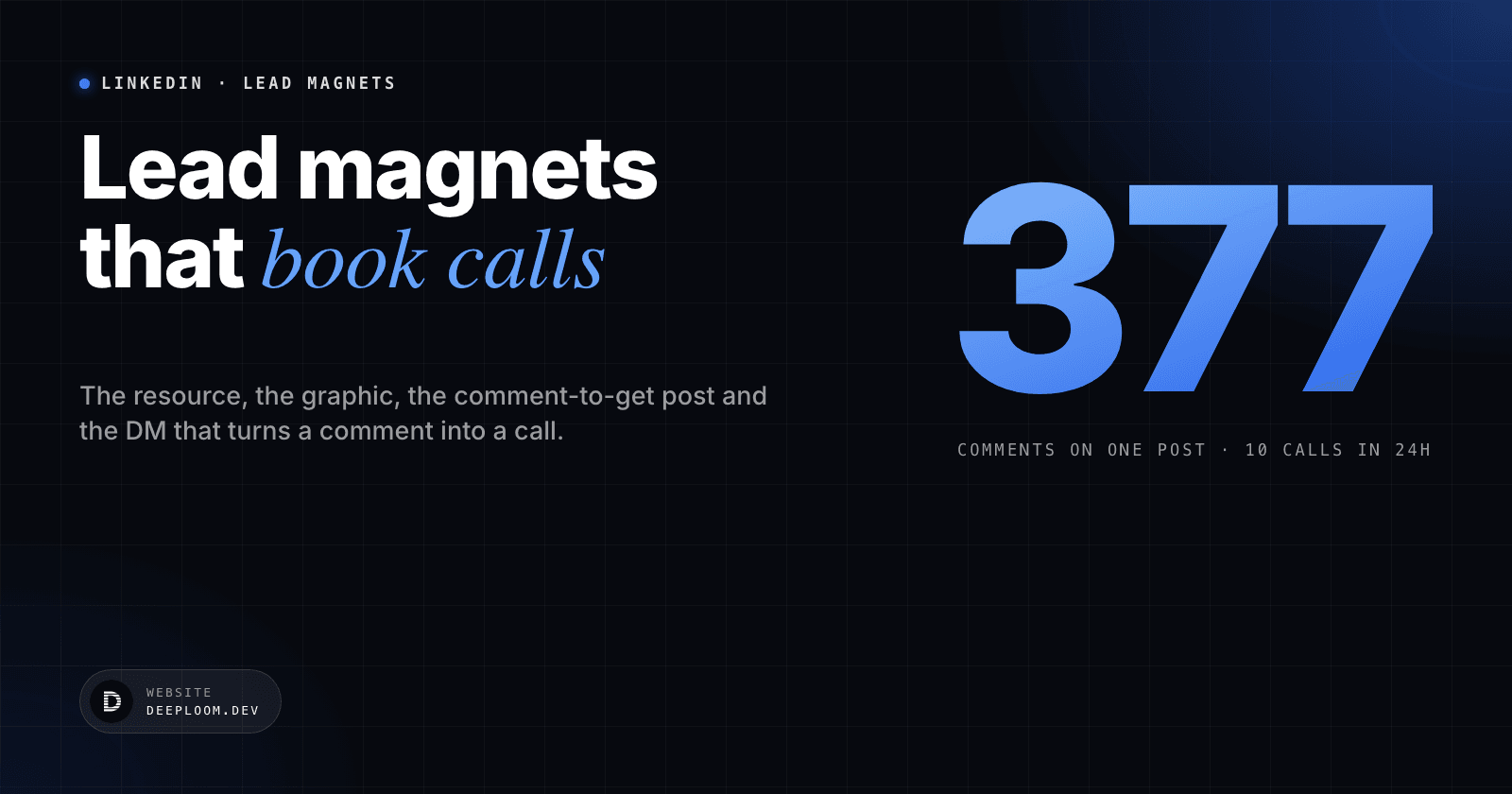
- Our best lead magnet post drew 377 comments and booked 10 calls within 24 hours, with no ads.
- Give away a system you already run. Make it useful on its own and deliberately incomplete, so the full version is a conversation.
- Three formats work: playbooks, short video trainings, and copy-paste templates or prompt packs.
- The graphic carries the ask. A 'Comment KEYWORD' bar sits inside the image and is repeated in the first comment.
- Every request gets a reply and a DM. The follow-up offers help; it never asks 'did you read it?'.
What results do LinkedIn lead magnets get?
Lead magnets are the post type that turns attention into conversations. Everyone who comments is raising a hand for one specific problem, and each reply is a reason to start a direct message. These are the numbers from our own posts:
Clients see the same pattern. A post by Hsien Jun Ong drew 619 comments and booked 6 calls in 24 hours. Ryan Montoya gave away his AI agent blueprint for free and got 570 comments.
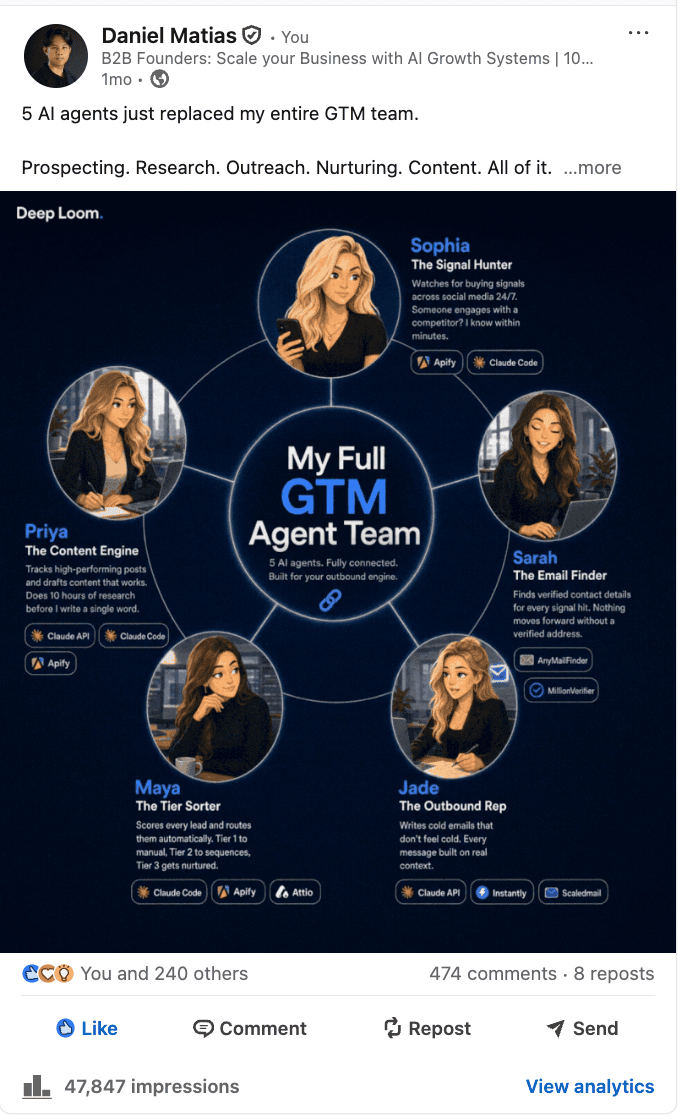
Our post: 474 comments, 47,847 impressions.
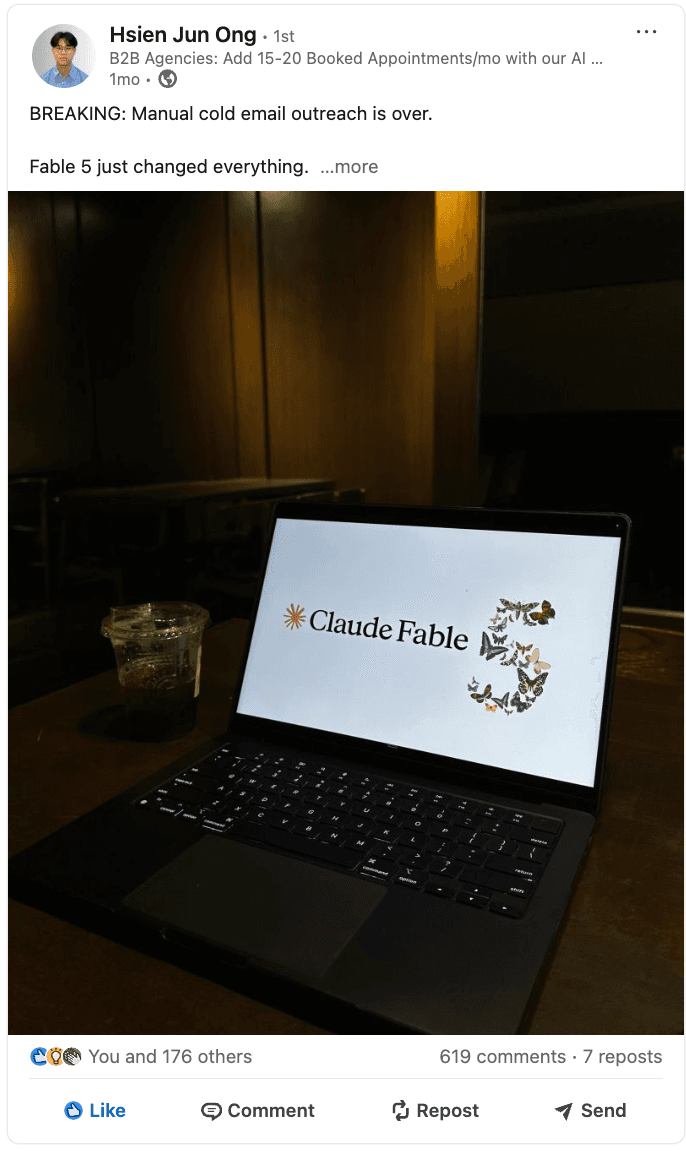
Hsien Jun Ong: 619 comments, 6 calls booked in 24 hours.
What makes a LinkedIn lead magnet work?
A lead magnet works when it is a sample of the real work, not a teaser. The reader should be able to use it the same day and get a result. That is what makes them trust you with the bigger problem.
It also has to be deliberately incomplete. The playbook shows the system; setting it up for their business, with their data and their tools, is the conversation. Useful and incomplete is the balance that turns a download into a call.
Finally, it should repel bad fits. A resource written for B2B founders who sell services will not attract students or job seekers, and that saves hours of polite conversations that go nowhere.
How do you choose what to give away?
We start from a problem our buyers already describe on sales calls, and a system we already run. If we have not used it ourselves, it does not become a lead magnet.
| Format | Best for | Example |
|---|---|---|
| Playbook | Teaching a system end to end | Our 24 Agents Playbook: 24 copy-paste prompts in four parts |
| Short video training | Showing a workflow on screen | A recorded walk-through of one automation |
| Template or prompt pack | A result the reader can get today | One prompt that builds a full LinkedIn content plan |
How do you build the lead magnet itself?
- 01Write from a knowledge base
Our playbooks are written in short chapters. Each one has a table or a ready-to-use prompt, a callout and a short checkpoint. Every number comes from the knowledge base we keep for each founder; nothing is invented.
- 02Research and draft with AI, then edit
Inside Evrest, our writing tool, Perplexity researches the topic and Claude Sonnet 5 drafts the guide. A person edits every chapter before it ships.
- 03Host it on a page you own
We publish each resource as a page on our own site, with a booking link on the first screen, after each hard section and at the end. The reader who gets value is one click from a call.
- 04Make it unmistakably yours
Your numbers, your screenshots, your examples. A generic checklist is forgotten by lunch.
'Agentic GTM, in one page': the graphic scrolls through the real pages of our 24 Agents Playbook.
What makes a lead magnet graphic stop the scroll?
The graphic does most of the selling, so we treat it like a product. Each one is built as a web page, rendered frame by frame in a headless browser, and exported as an MP4 and a GIF under LinkedIn's 5 MB limit.
- The whole layout is visible from the first frame. Only light moves: pulses, shine, a counter ticking. Nothing builds up and then resets.
- Every loop is seamless. The last frame flows into the first, so the graphic never visibly restarts.
- Real logos and real numbers only. If a chart is an illustration, the graphic says so in the footer.
- A 'Comment KEYWORD' bar at the bottom, so the ask survives even when the post text is cut off.
Two we made for Karim Saydashev at Nyle, an AI platform for e-commerce sellers:
UGC ads from one brief. Keyword: UGC.
The Claude Ads Team. Keyword: AGENT.
How do you write the post that launches it?
The launch post sells the resource in 180 to 260 words. It follows the same shape every time:
- 01Hook
Line one stays under 45 characters. Line two raises the stakes so the 'see more' click feels necessary.
- 02The problem
Three to five short lines on what most people get wrong.
- 03What is inside
Five to seven concrete deliverables. Specific beats clever: '24 copy-paste prompts' beats 'my secret system'.
- 04Proof
One line of real results, so the resource has earned its claim.
- 05The ask
Comment the keyword and connect, so the DM can be delivered. The ask lives in the graphic and in the first comment, so the body reads like a post, not a form.
How do you turn comments into booked calls?
- 01Reply to every comment
In the first hour, reply to everyone who asks. Each reply also tells LinkedIn the post is starting conversations.
- 02Send the DM
Send the link by direct message. If the person is not connected yet, the connection request goes first.
- 03Follow up with help, not a nudge
Never ask 'have you had a look?'. Ask if they would like a quick voice note on their situation, give them the diagnosis, and offer a 20-minute audit for the fix.
- 04Know when to stop
No reply after three to five days gets one short bump. Still nothing after one to two weeks, and we let it go.
The people who comment on a topic are also a ready-made lead list for it. We use exactly that signal to build cold email campaigns: how we turn LinkedIn commenters into cold email.
What mistakes kill a lead magnet?
- Giving away something generic. If it could have been written by anyone, nobody needs to comment for it.
- Posting lead magnets back to back. Reach and goodwill both drop when every post is an offer.
- Inventing numbers. One made-up statistic undoes the trust the resource was meant to build.
- No path to a call inside the resource. The reader who loved it should not have to go looking for how to work with you.
- Chasing instead of helping. 'Did you read it?' gets ignored. A specific, useful observation gets a reply.
Frequently asked questions
What is a good LinkedIn lead magnet?+
A resource your buyers can use the same day: a playbook, a short video training, or a template or prompt pack built from a system you already run. It should be useful on its own and deliberately incomplete, so setting it up for their business becomes the conversation.
How many comments does a good lead magnet post get?+
The posts shown in this article drew between 377 and 619 comments. What matters more is what happens next: our 377-comment post booked 10 calls within 24 hours.
Should the 'comment to get it' ask go in the post body?+
We put it in the graphic, as a 'Comment KEYWORD' bar, and in the first comment. That keeps the body reading like a post rather than an instruction sheet.
How often should you post a lead magnet?+
At most twice a month, never back to back, with nurture posts such as stories, tips and case studies in between.
Do you need automation to deliver lead magnets?+
No. We reply in the comments and send each link by direct message by hand. That personal reply is what starts the sales conversation.
How do you make the animated graphics?+
Each graphic is a web page rendered frame by frame in a headless browser, then encoded as an MP4 and a GIF under LinkedIn's 5 MB limit. Illustrations are generated with an image model and placed in the layout; logos and numbers are always real.

About the author
Daniel Matias, Founder, Deep Loom
Daniel builds the go-to-market and automation systems Deep Loom runs for B2B founders: cold email, founder-led LinkedIn, and the AI agents behind them. 100+ systems shipped since 2020.
Keep reading